Skip to content

Built for shops in Bangladesh

Every account in your shop,
now in one app

Sales, dues, stock and suppliers - on your phone, in Bangla. Keep selling even when the internet drops.

Log in on a computer
  • Works offline
  • Fully in Bangla
  • Free to start
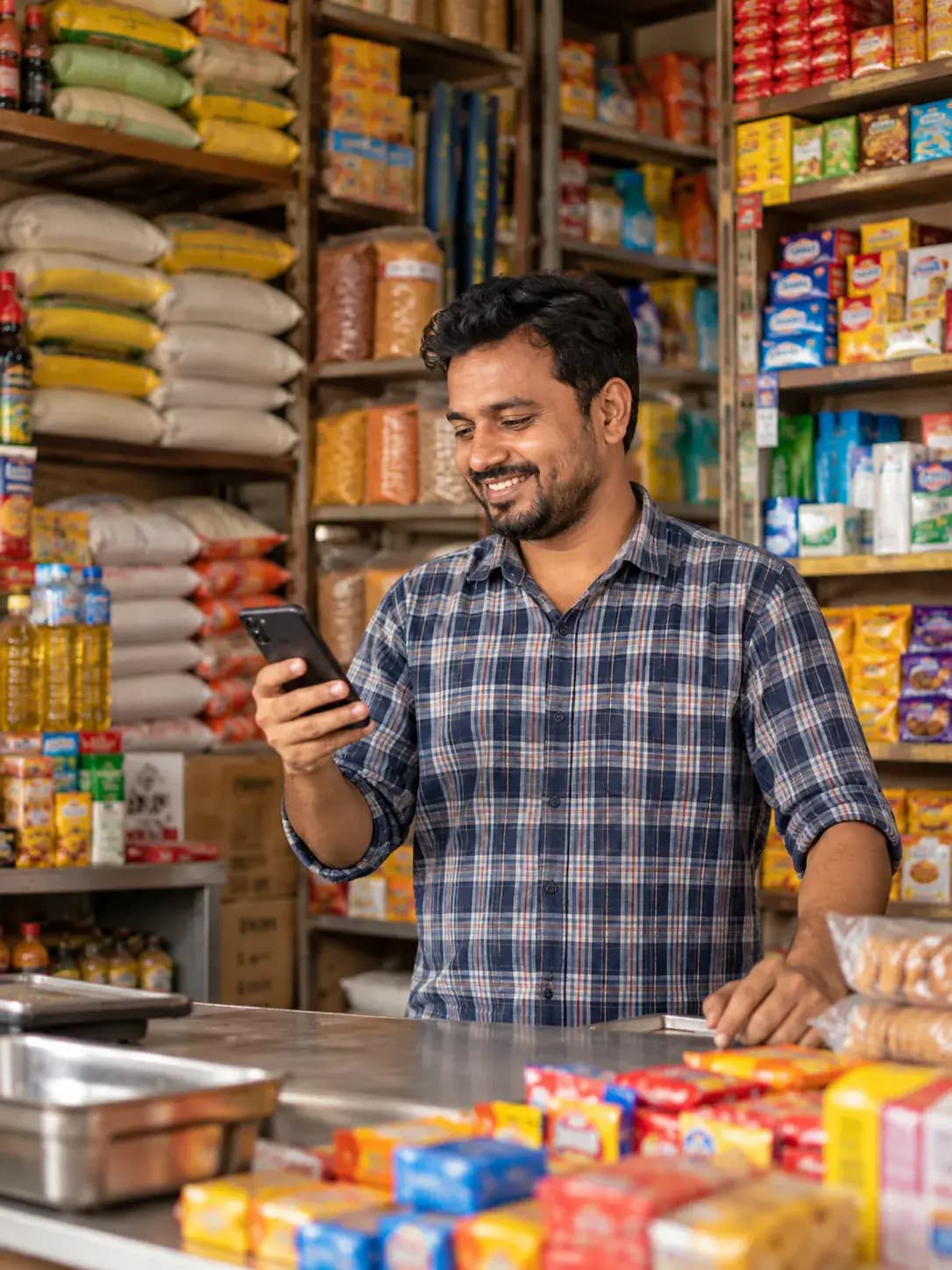
A smiling grocery shopkeeper behind his counter, holding a phone
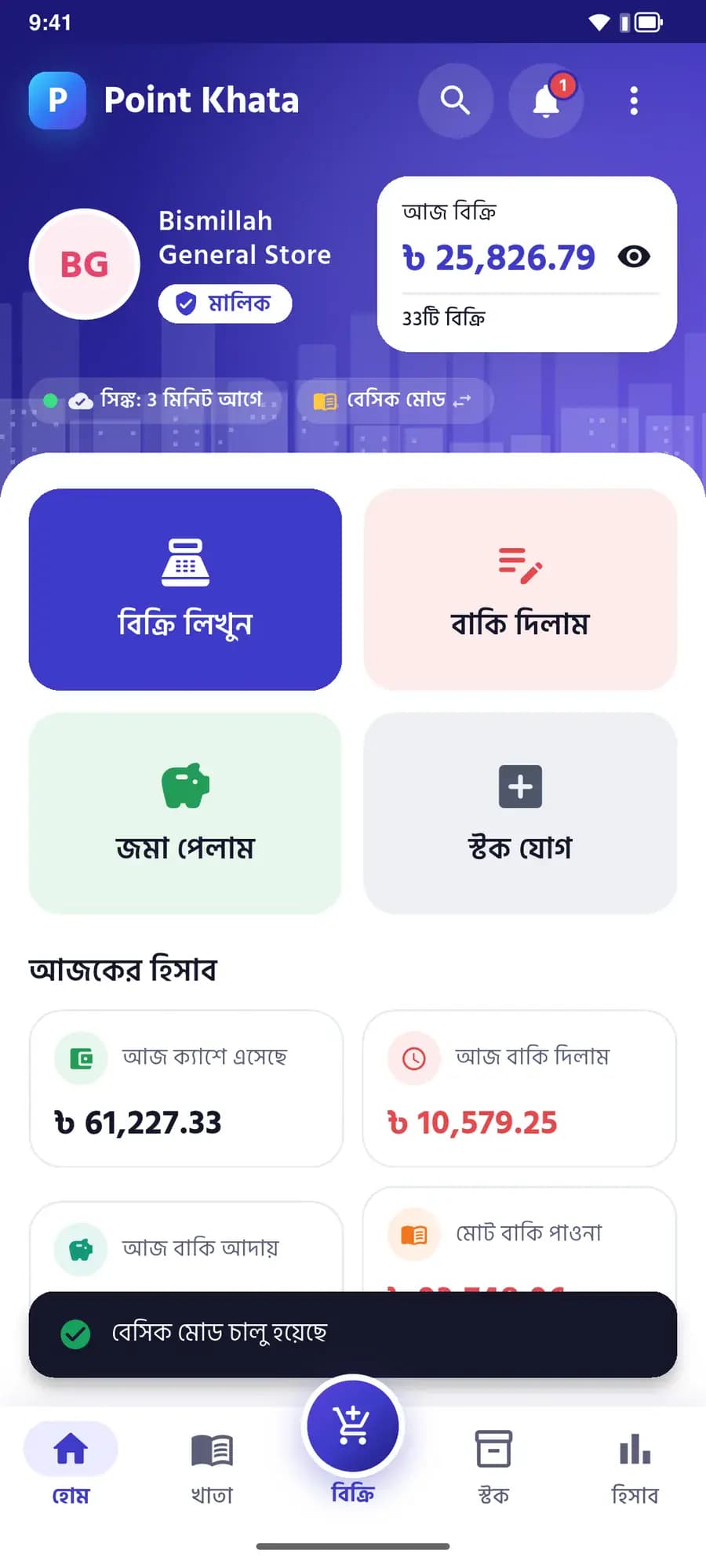
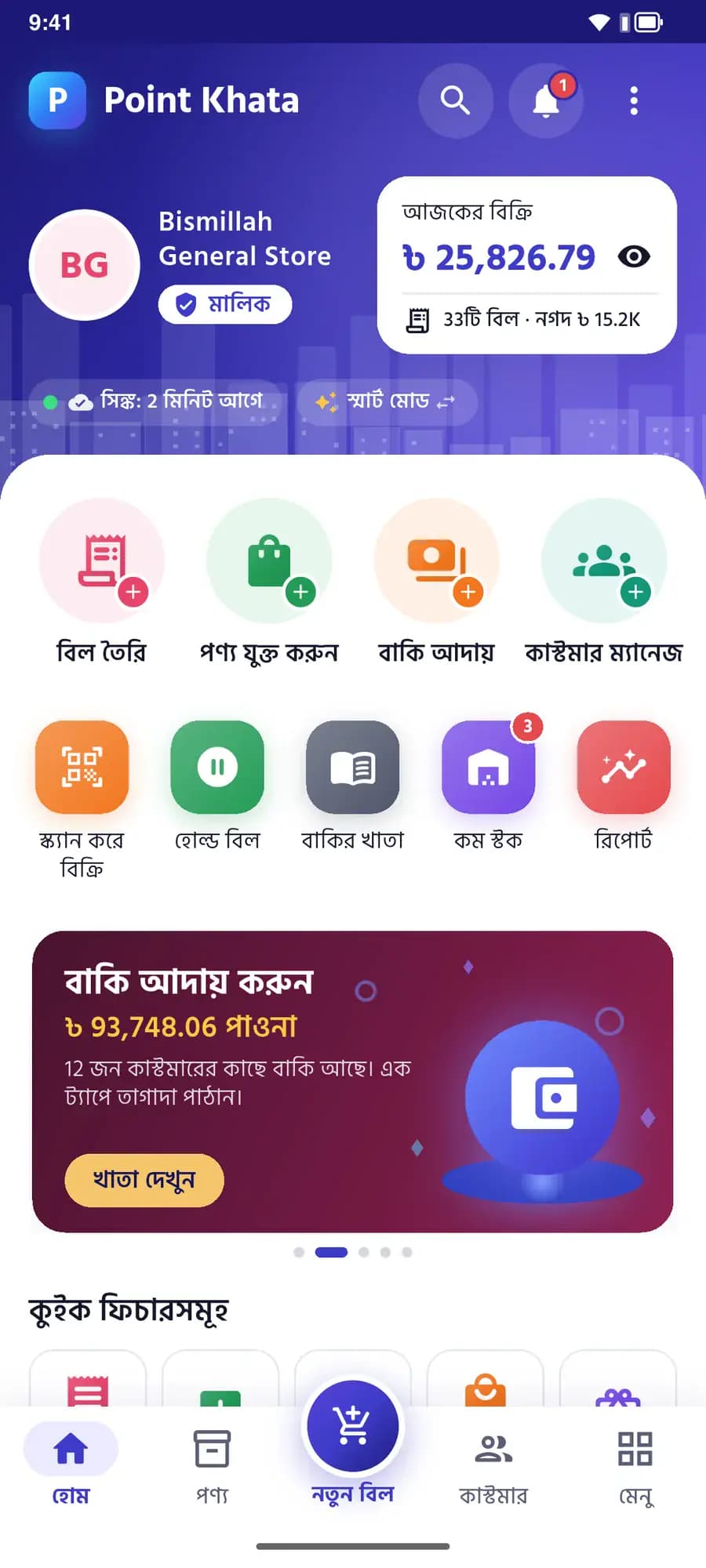
The Point Khata home screen: today’s sales ৳25,826.79 across 33 bills, and a card for collecting dues
Today’s sales৳ 25,826.79
Owed to you · 12 customers৳ 93,748.06

Mobile app

The whole shop, in your hand

Bill at the counter, collect dues from your seat, count stock in the storeroom - all in one app.

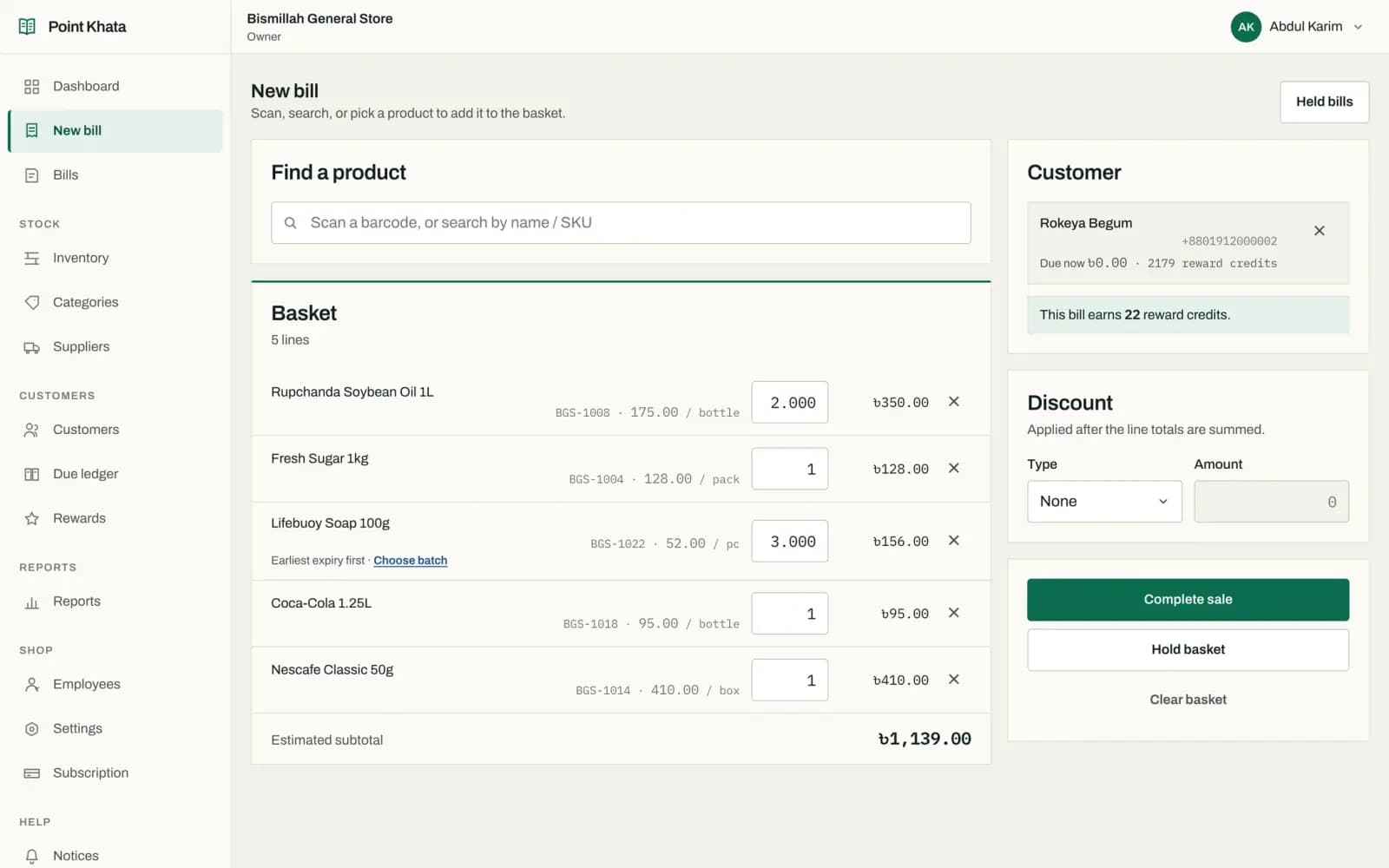
Billing

Seconds per bill, even in the rush

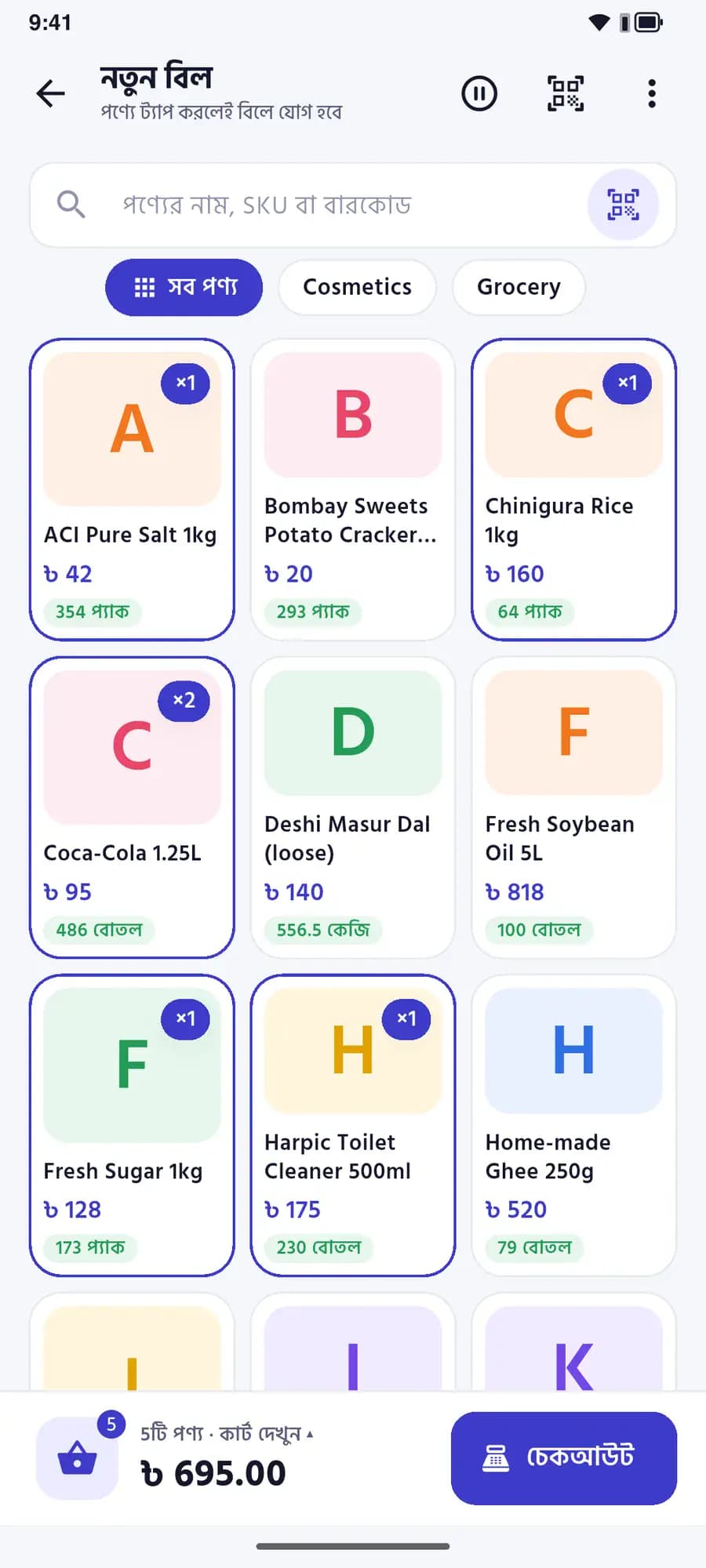
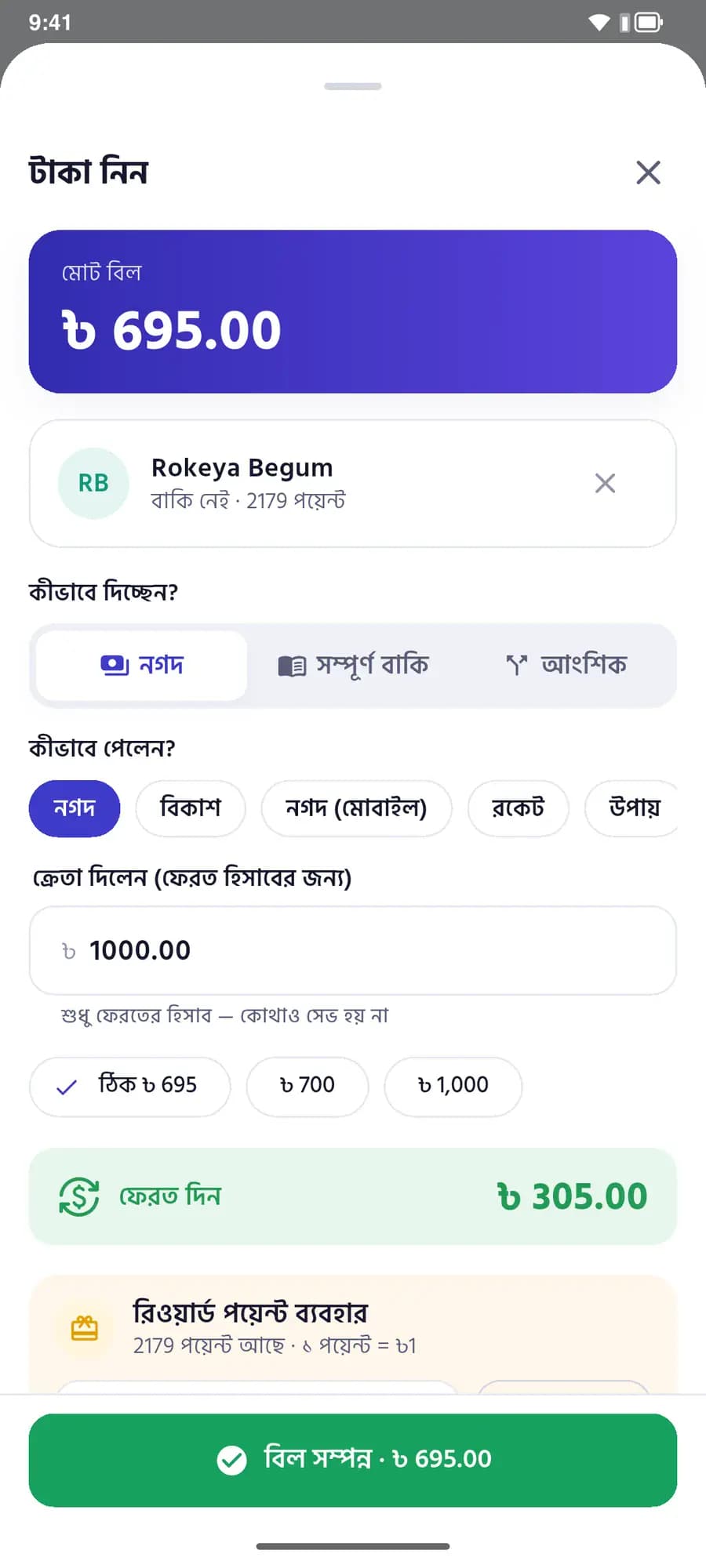
Tap a product or scan its barcode with the camera. Enter what the customer handed over and the change is worked out for you.

  • Cash, bKash, Nagad, Rocket, Upay or card - several on one bill
  • Put all or part of a bill on the customer’s khata
  • Send the receipt on WhatsApp, or print it
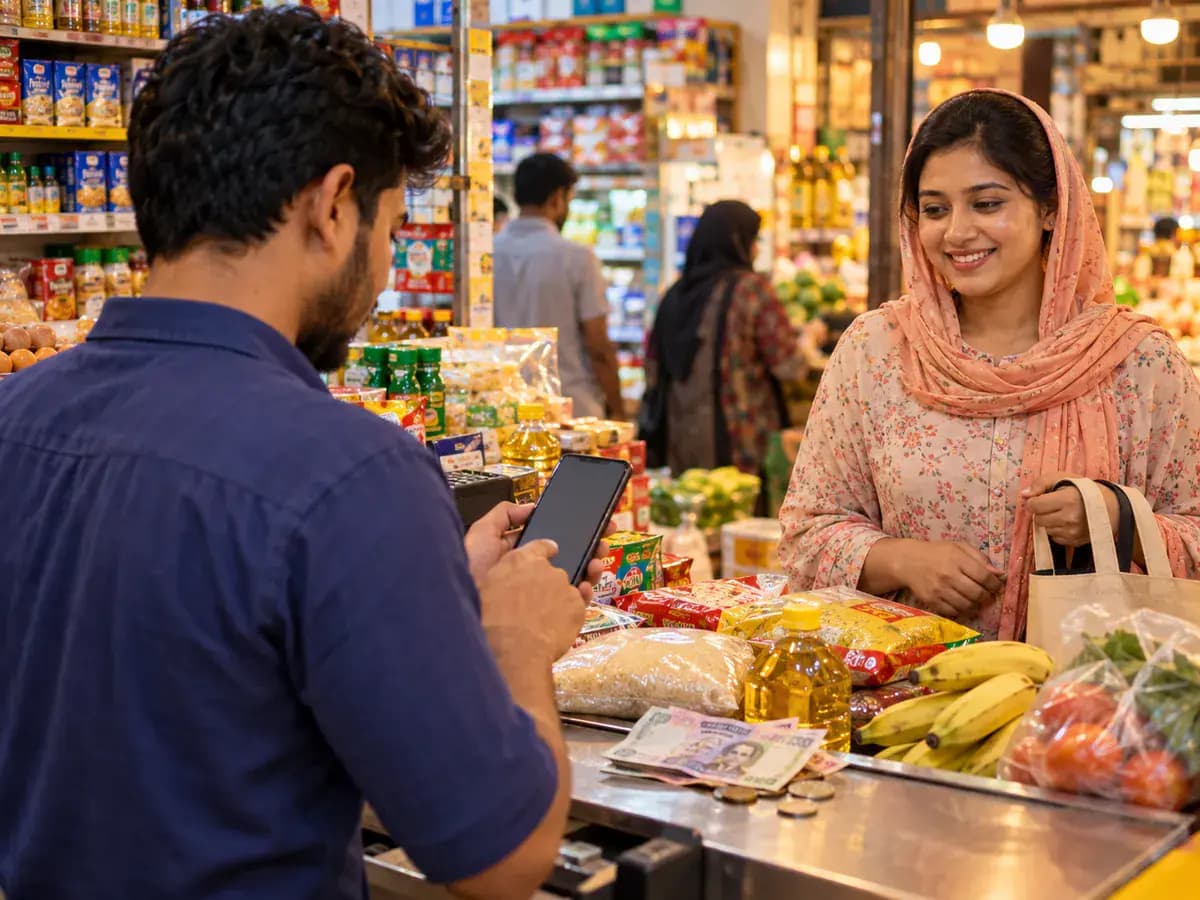
A shop assistant billing on a phone at a busy counter while a customer waits
New bill: five products in the cart, ৳695 in total
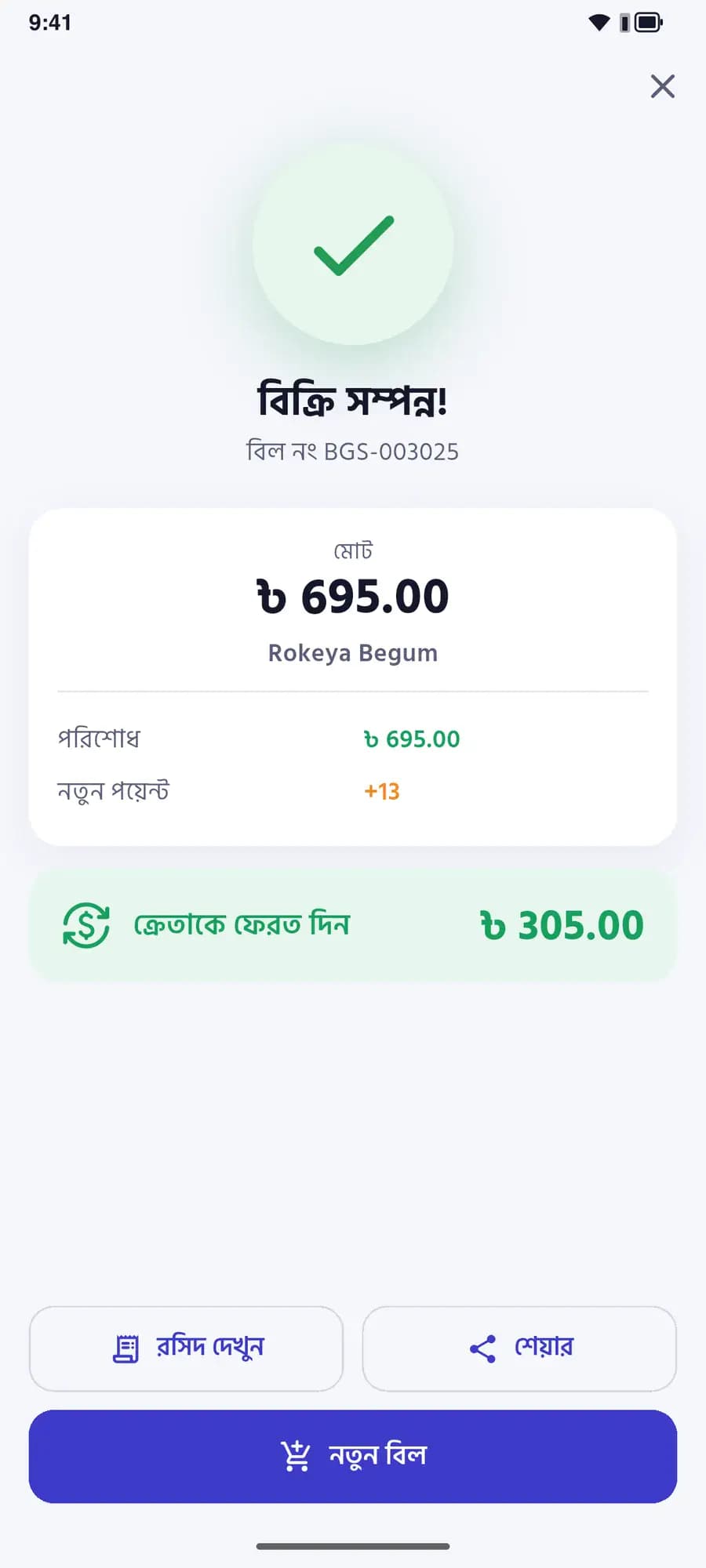
Sale complete · BGS-003025৳ 695.00
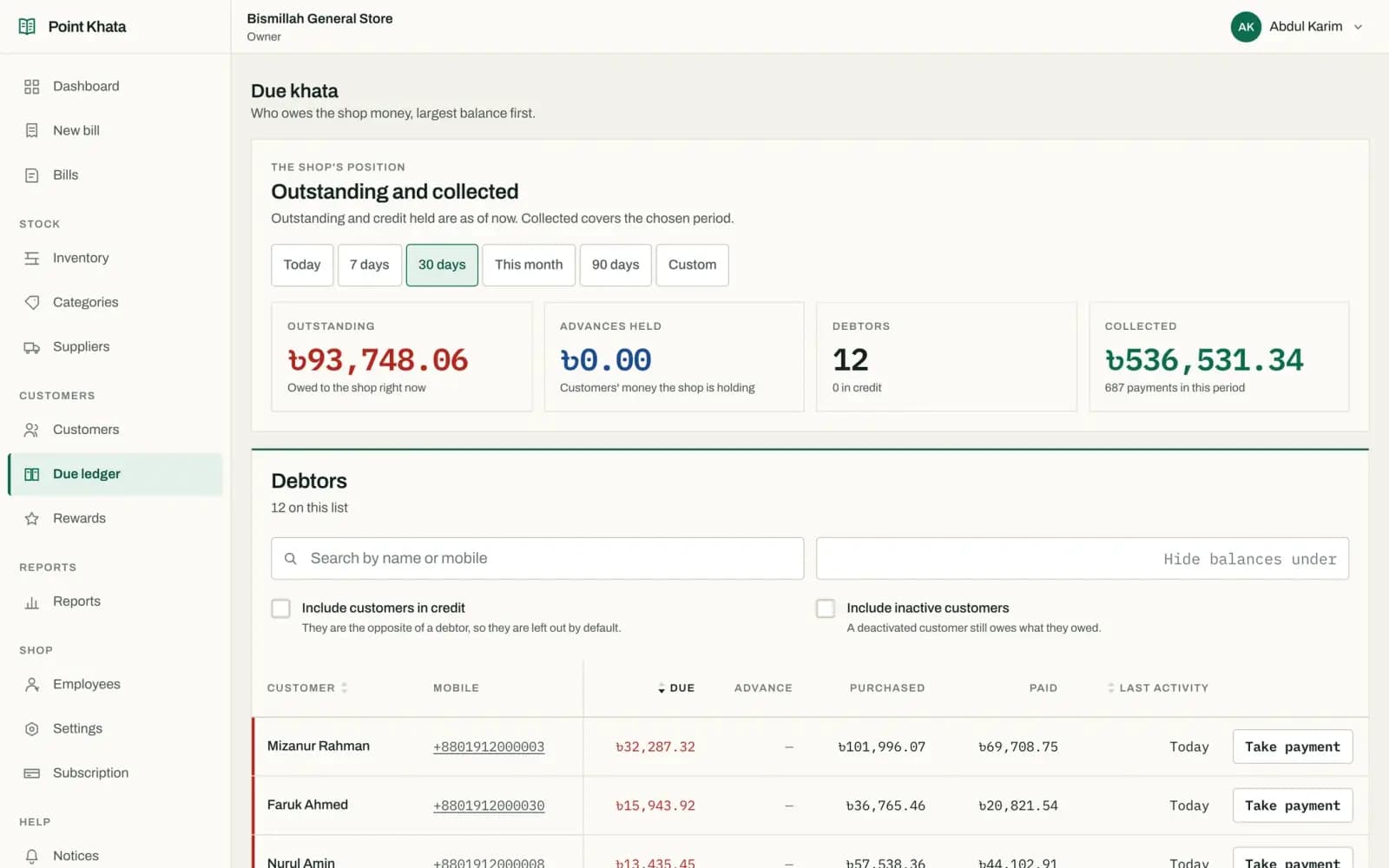
Due ledger

Retire the paper khata, never forget a due

A sale on credit lands on the customer’s khata by itself. See who owes how much and for how long, largest first.

  • Call or take a payment in one tap
  • Every bill and payment, dated, on the customer’s page
  • Advances are tracked too
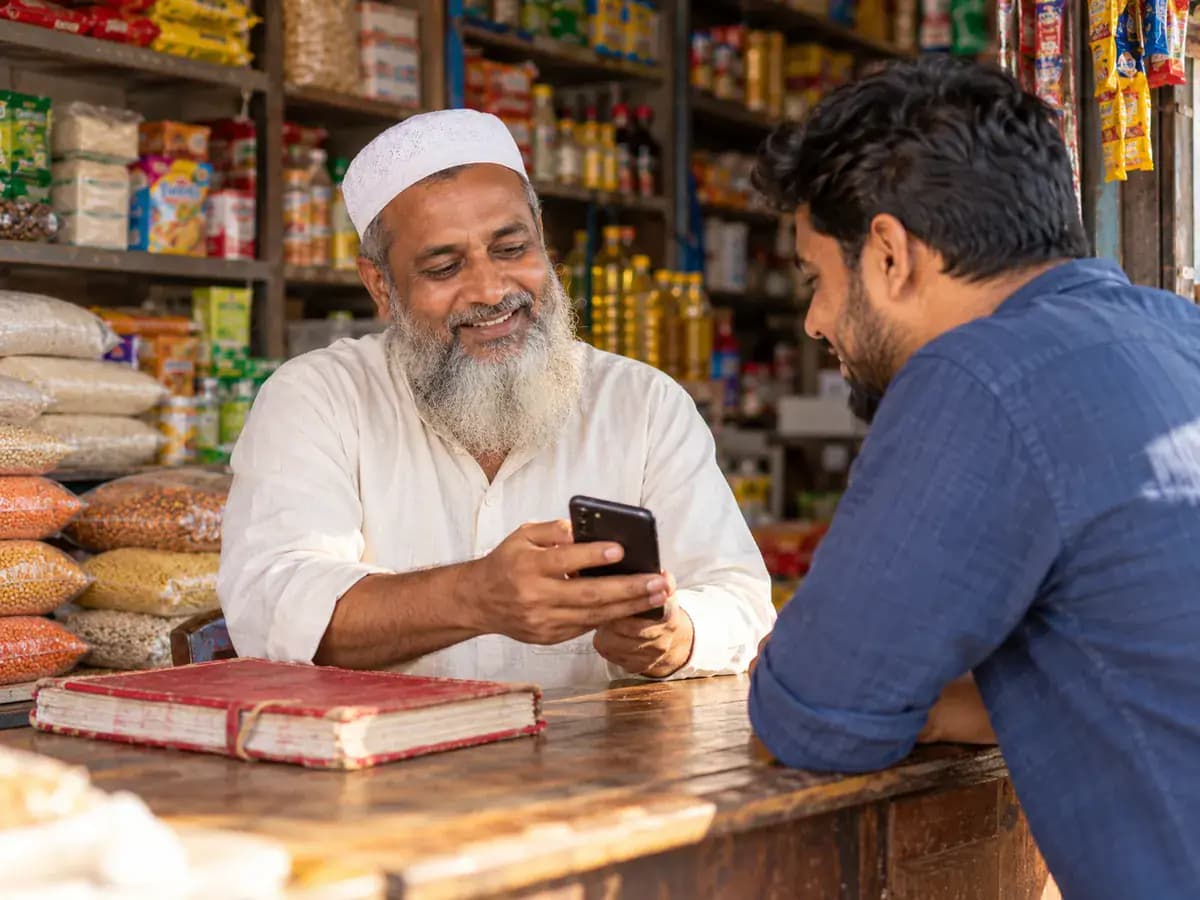
An older shopkeeper showing a regular customer their account on his phone, the old paper khata closed beside them
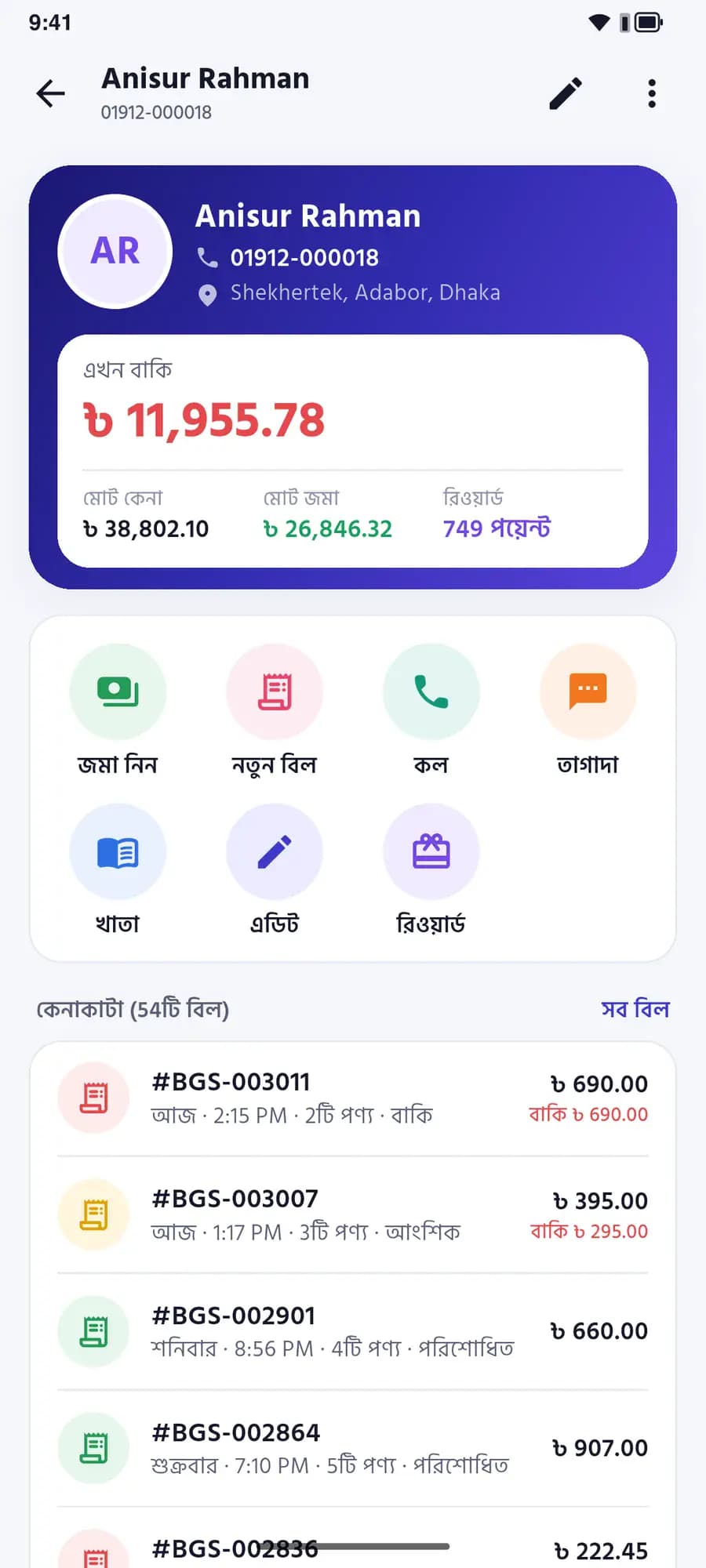
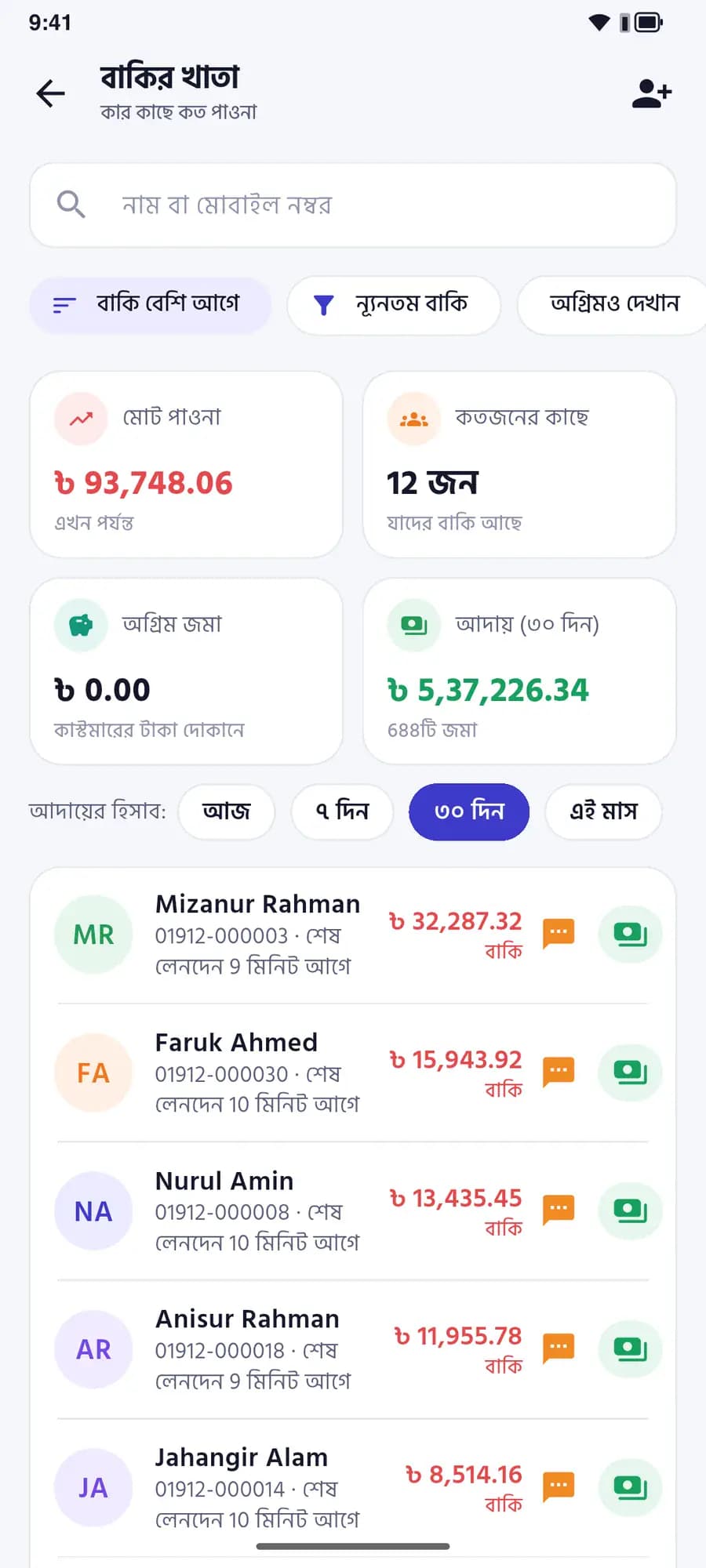
Due ledger: ৳93,748.06 owed by 12 customers, Mizanur Rahman first at ৳32,287.32
Anisur Rahman · due৳ 11,955.78

Stock, batches & expiry

Know what is running low - and what is about to expire

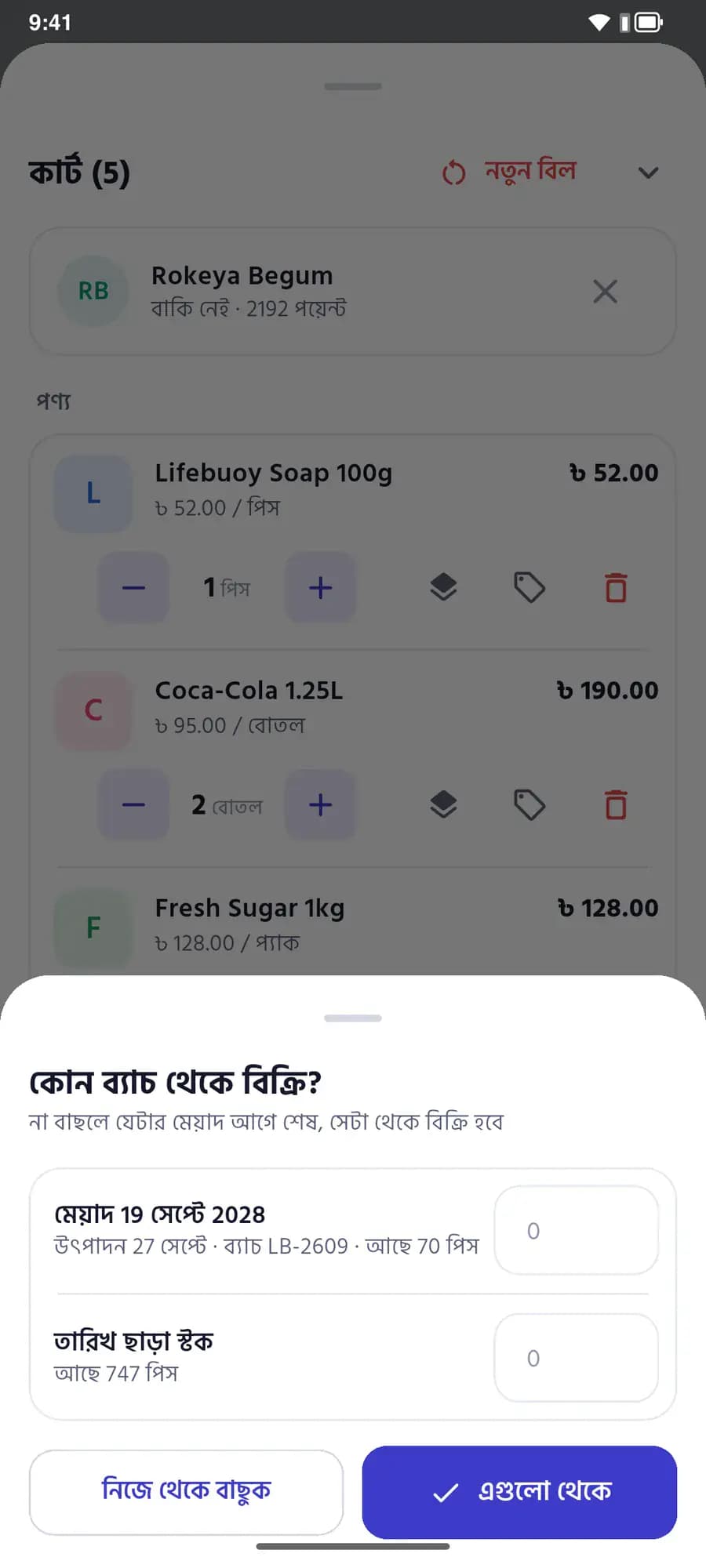
Stock moves with every sale. Record batch and expiry when goods come in, and the till sells the earliest-expiring batch first.

  • Low and out-of-stock items on the home screen
  • Expiry by batch - for pharmacies and food shops
  • Find any product by barcode, with its price and stock
A pharmacist in a white coat and hijab checking medicine boxes on a shelf, phone in hand
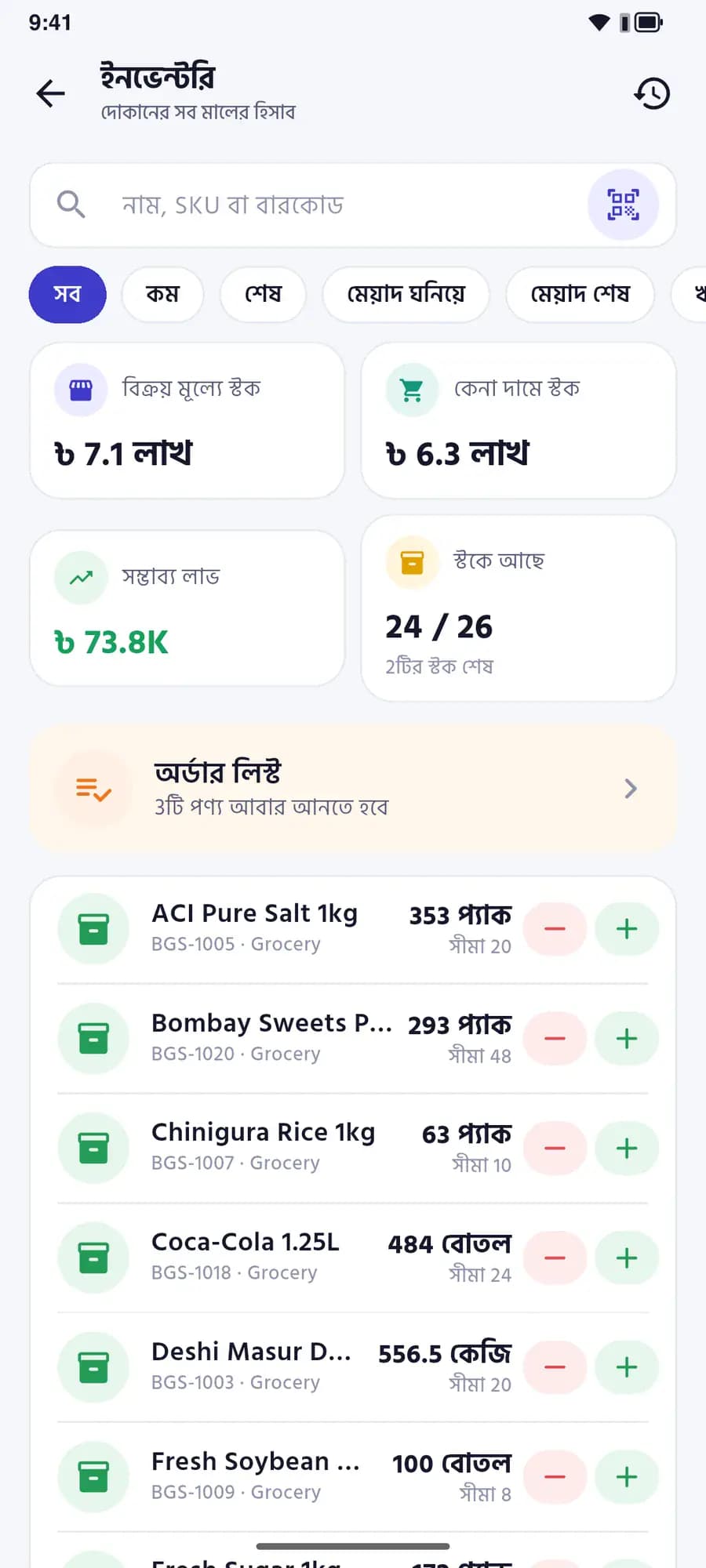
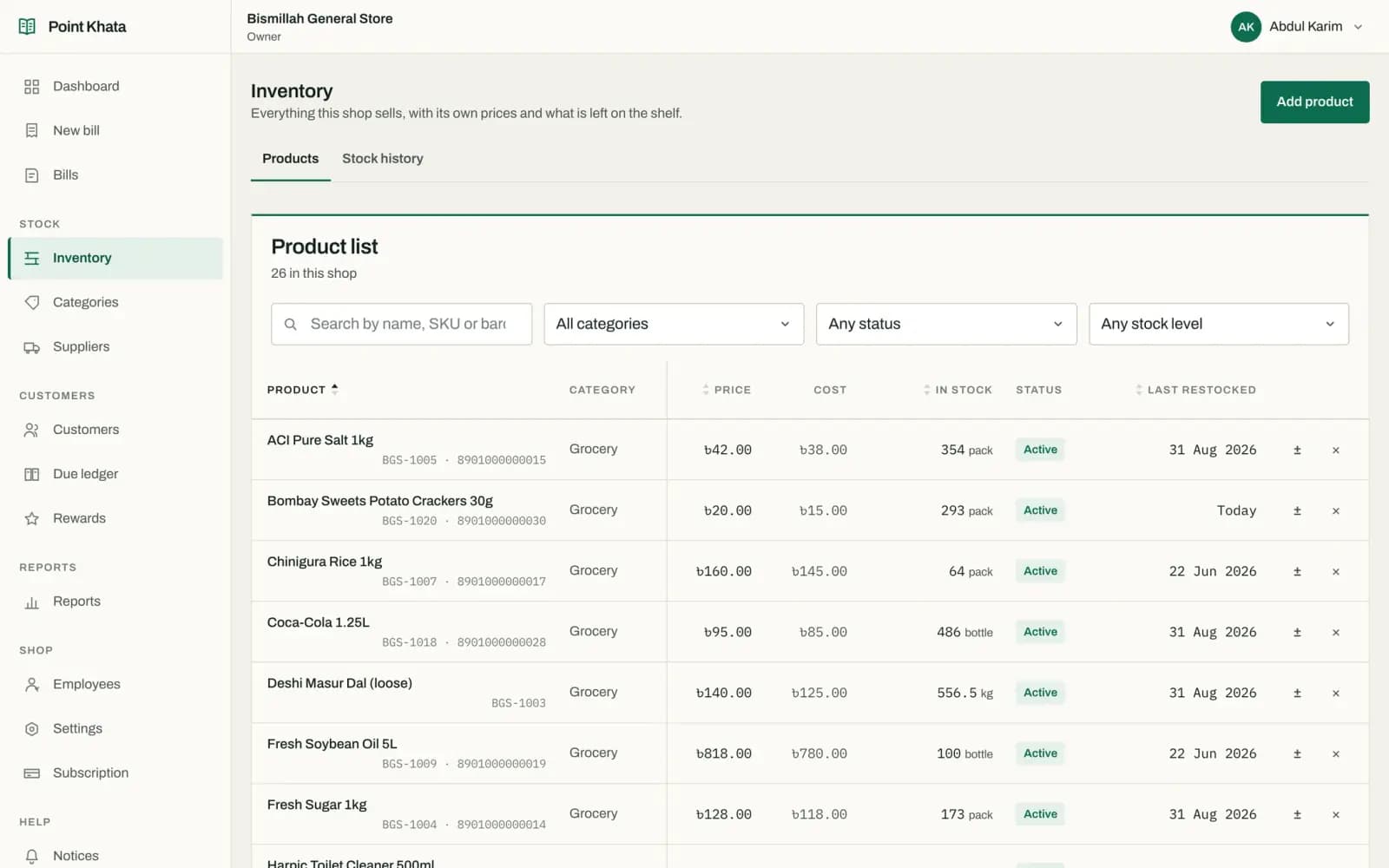
Inventory: stock value, low-stock alert and each product’s quantity
Low on stock3 products

Supplier ledger

What you bought, from whom, and what you owe

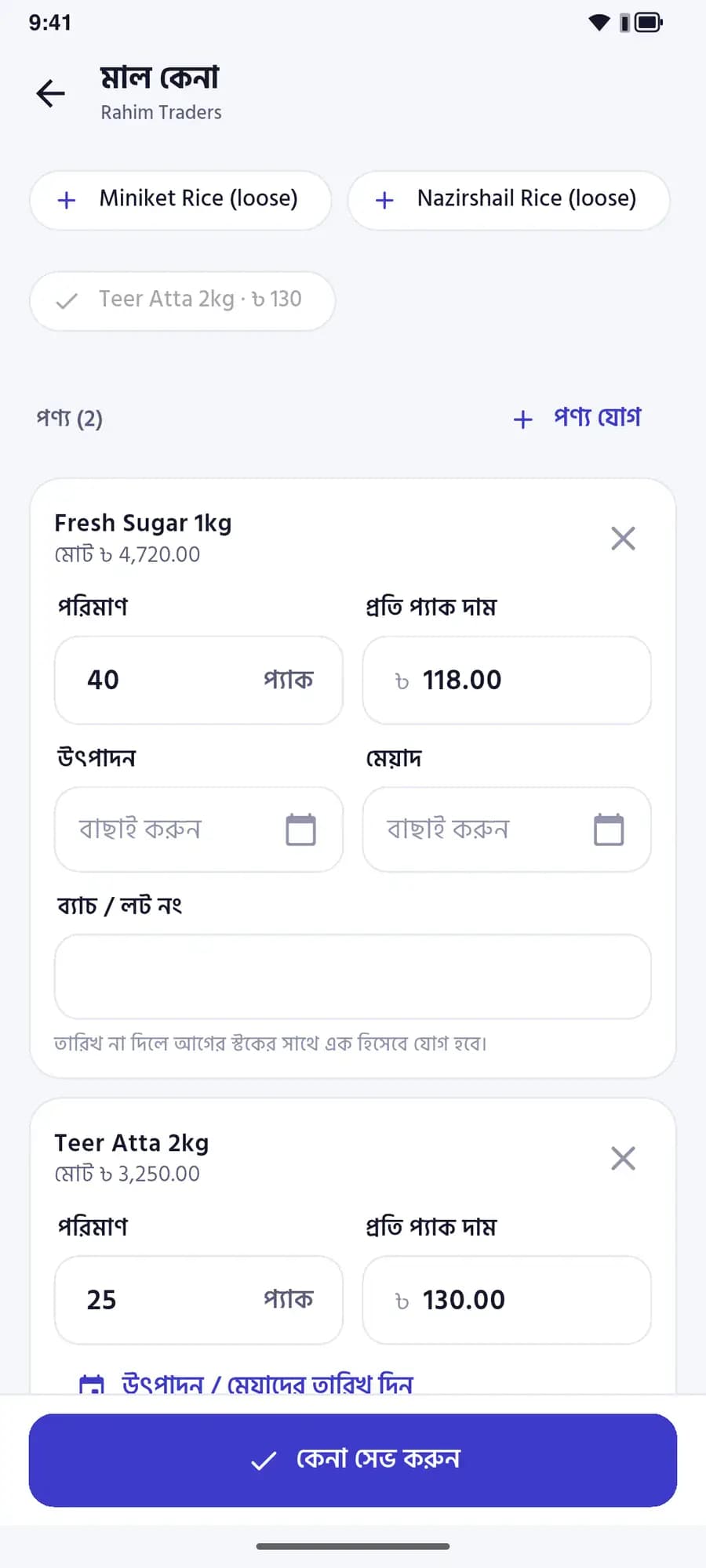
Record a purchase and it goes into stock and onto the supplier’s ledger. Pay them and it comes off. Every memo, by date.

  • Batch and expiry right on the purchase
  • Part payments, by bKash or cash
  • This month’s buying and paying at a glance
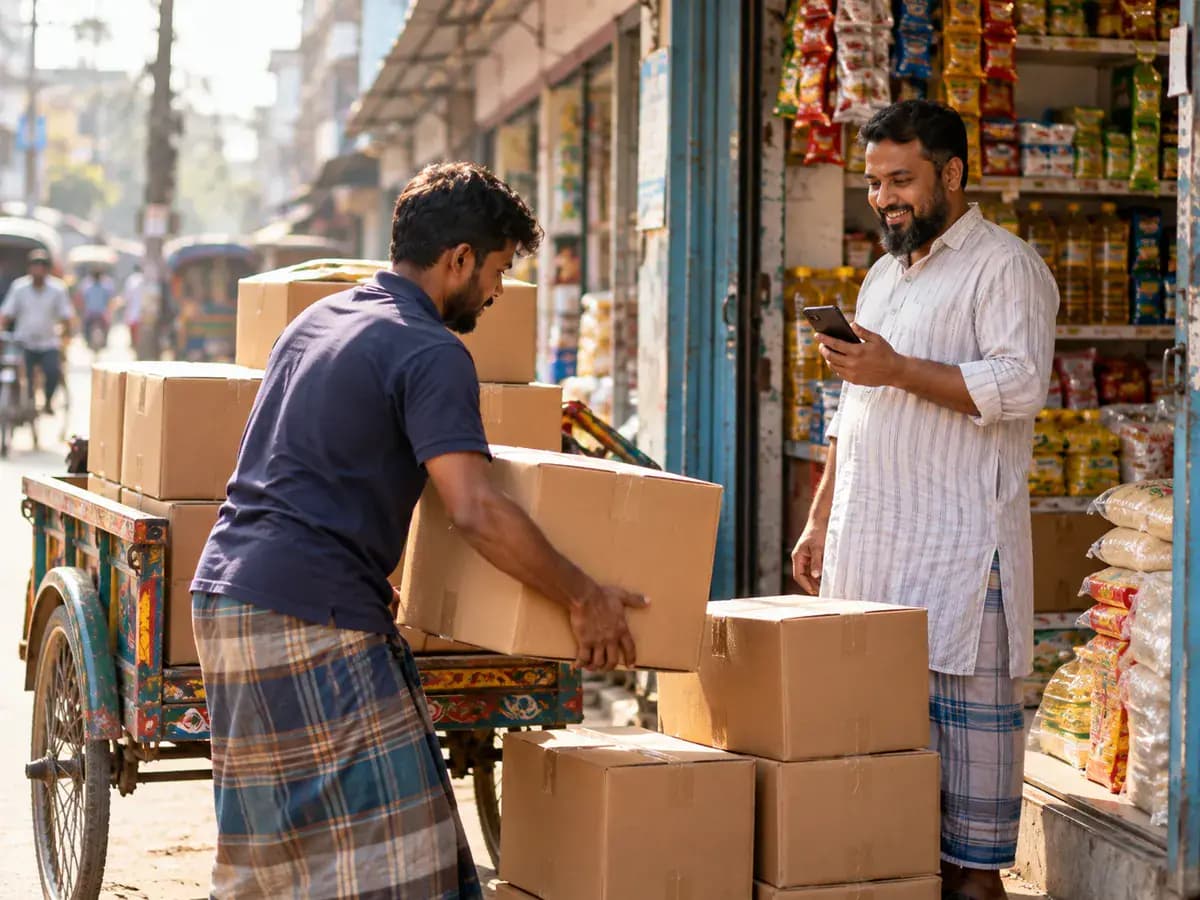
Cartons being unloaded from a van outside a shop while the owner checks them on his phone
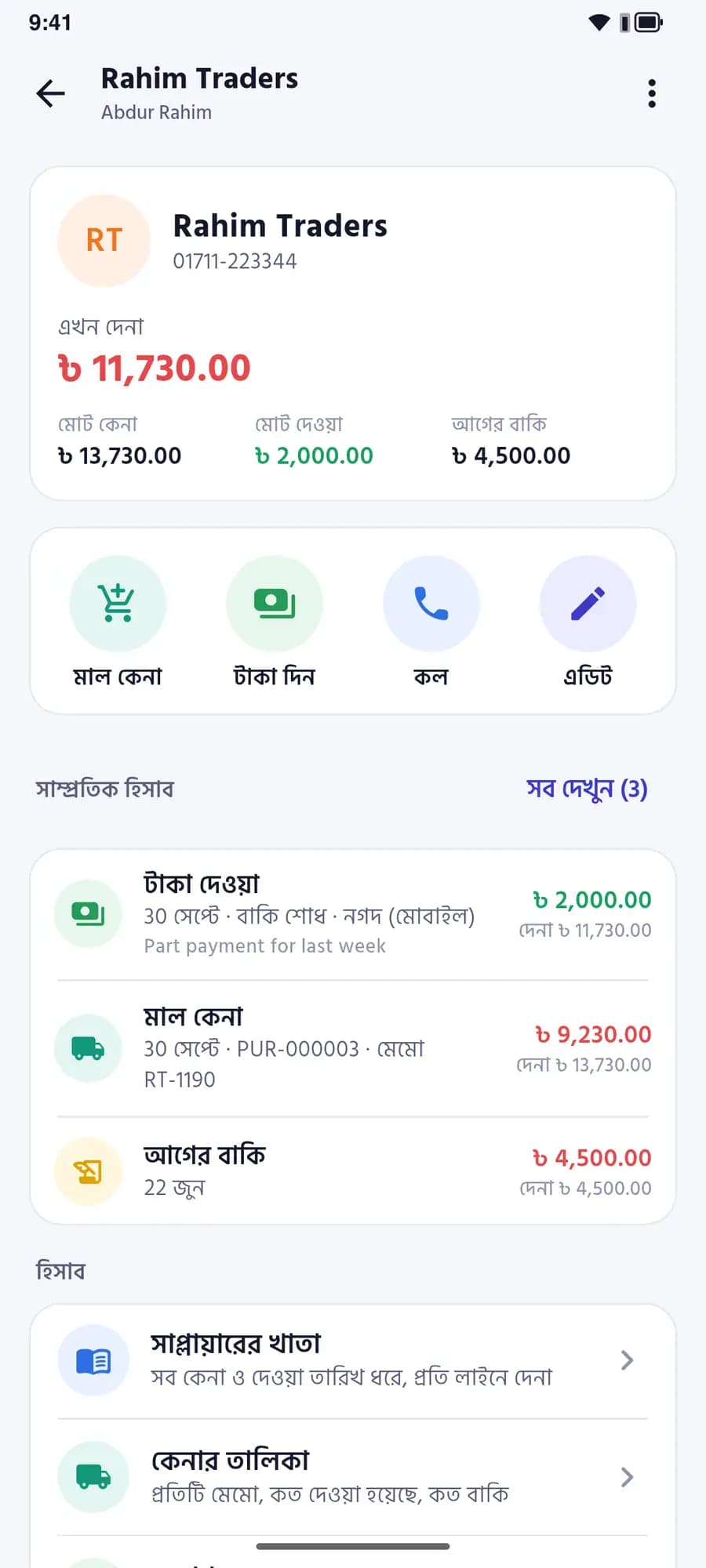
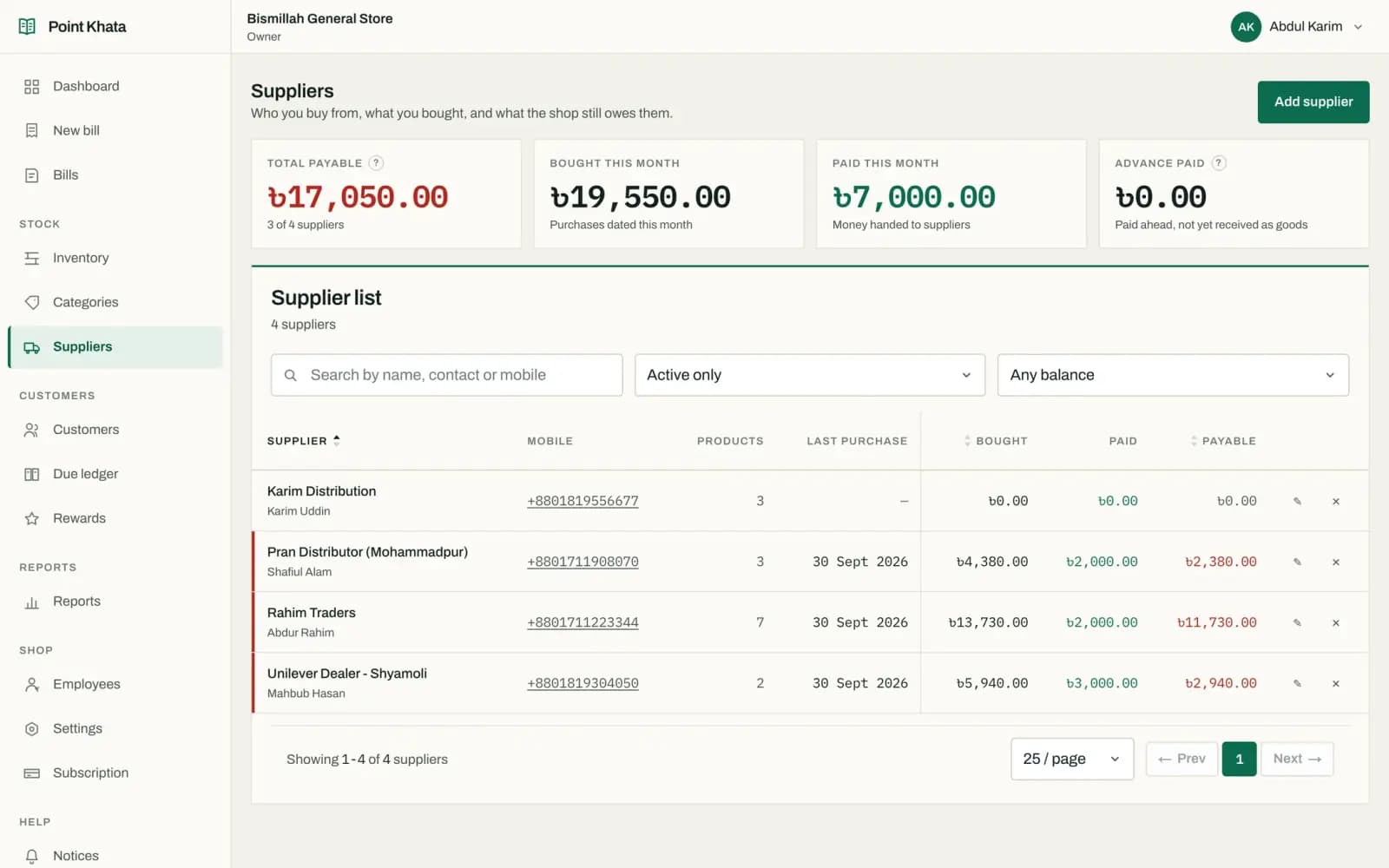
Supplier Rahim Traders: ৳11,730 payable, recent purchases and payments
Payable · 3 suppliers৳ 17,050.00

Offline

No internet? Keep selling.

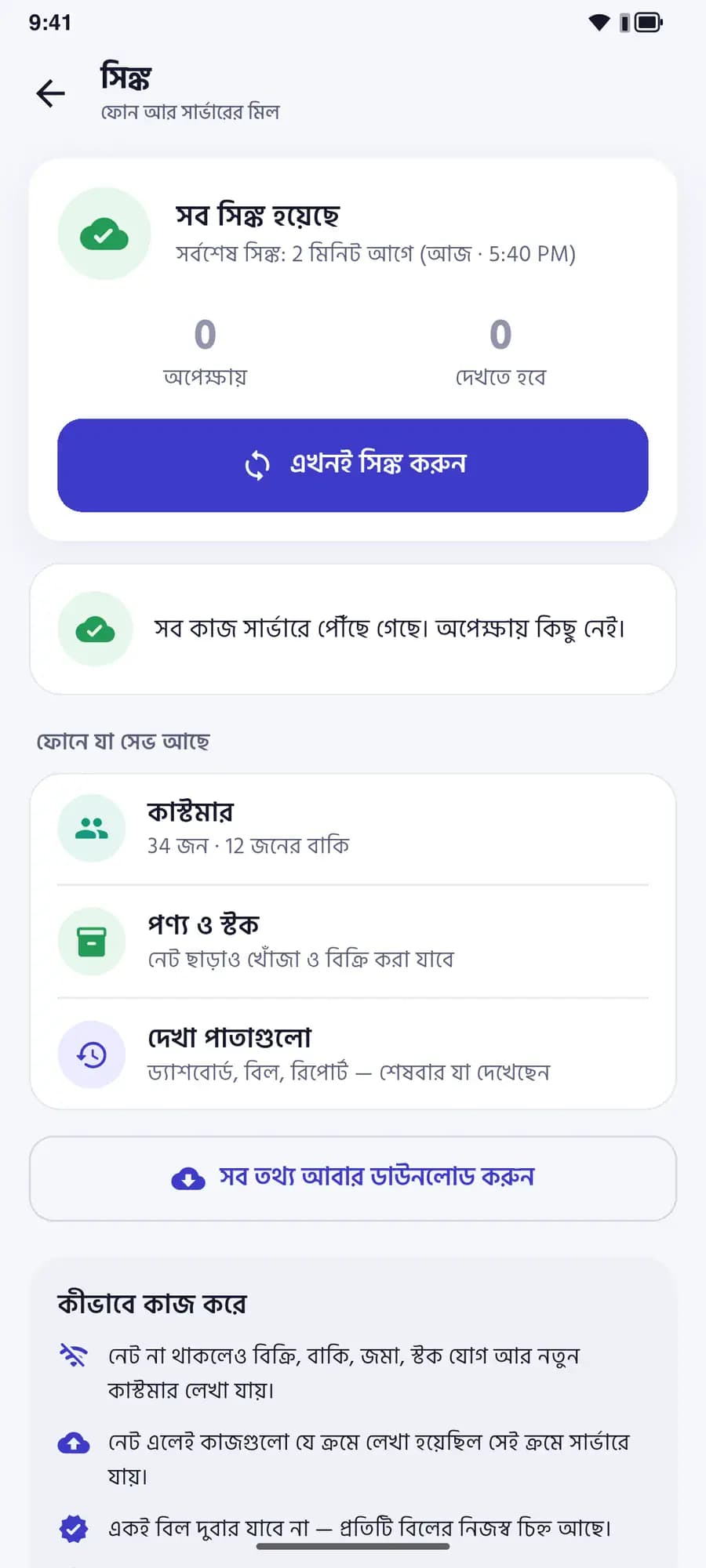
Once signed in, bills, dues and purchases work without a connection. When it comes back everything syncs by itself - and no bill is ever recorded twice.

  • The app keeps working when the connection drops
  • Syncs by itself when it returns
  • Reminds you if you have been offline too long
A small tin-roofed village shop with paddy fields behind it, the owner at the front using his phone
Sync: everything synced, nothing waiting

Simple mode

For shops that only want to track the money

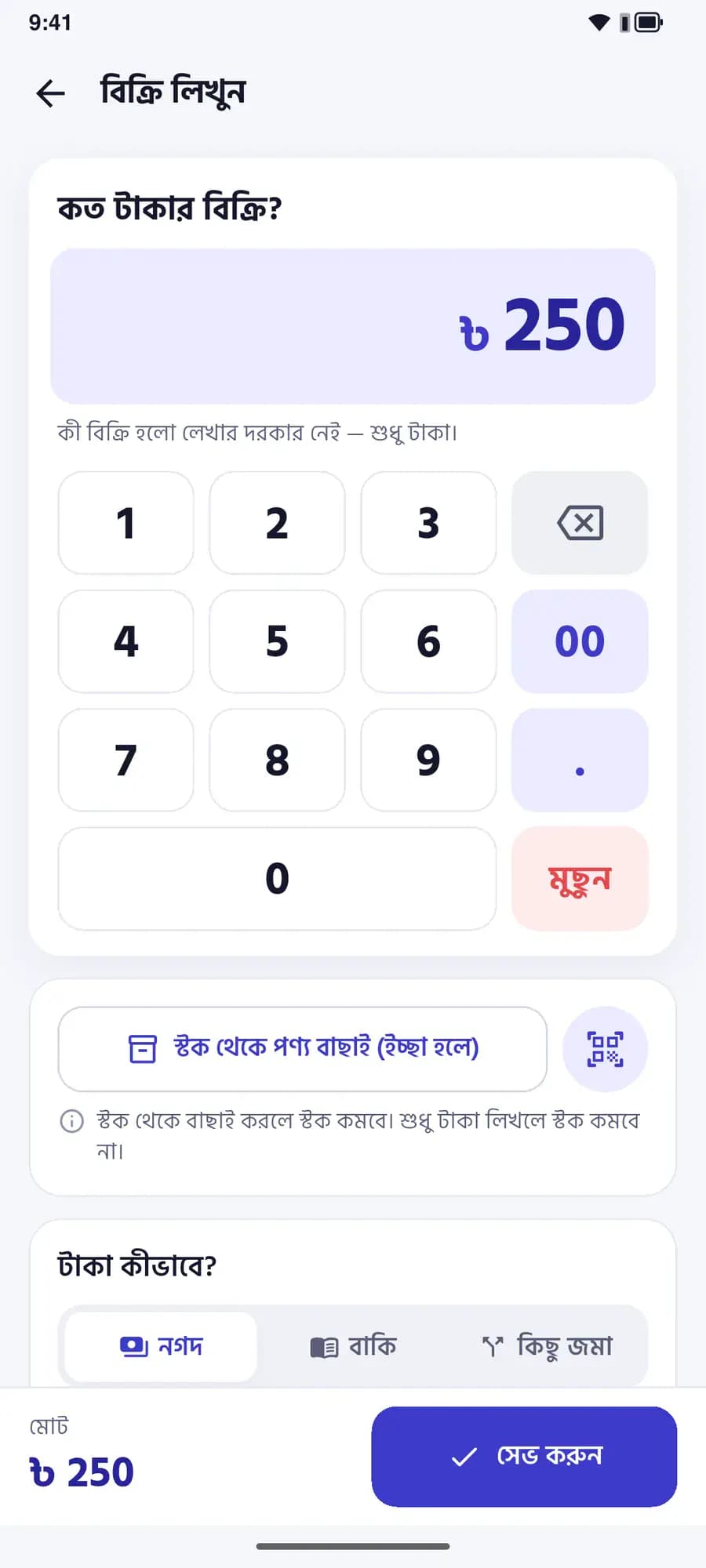
Big buttons, few words. Record a sale amount, give credit, take a payment - no product list needed. Switch to Smart mode any time; your records stay the same.

  • Enter sales like a calculator
  • Cash in and credit out, for today
  • Full stock and reports whenever you want them
Record a sale: a calculator keypad showing ৳250

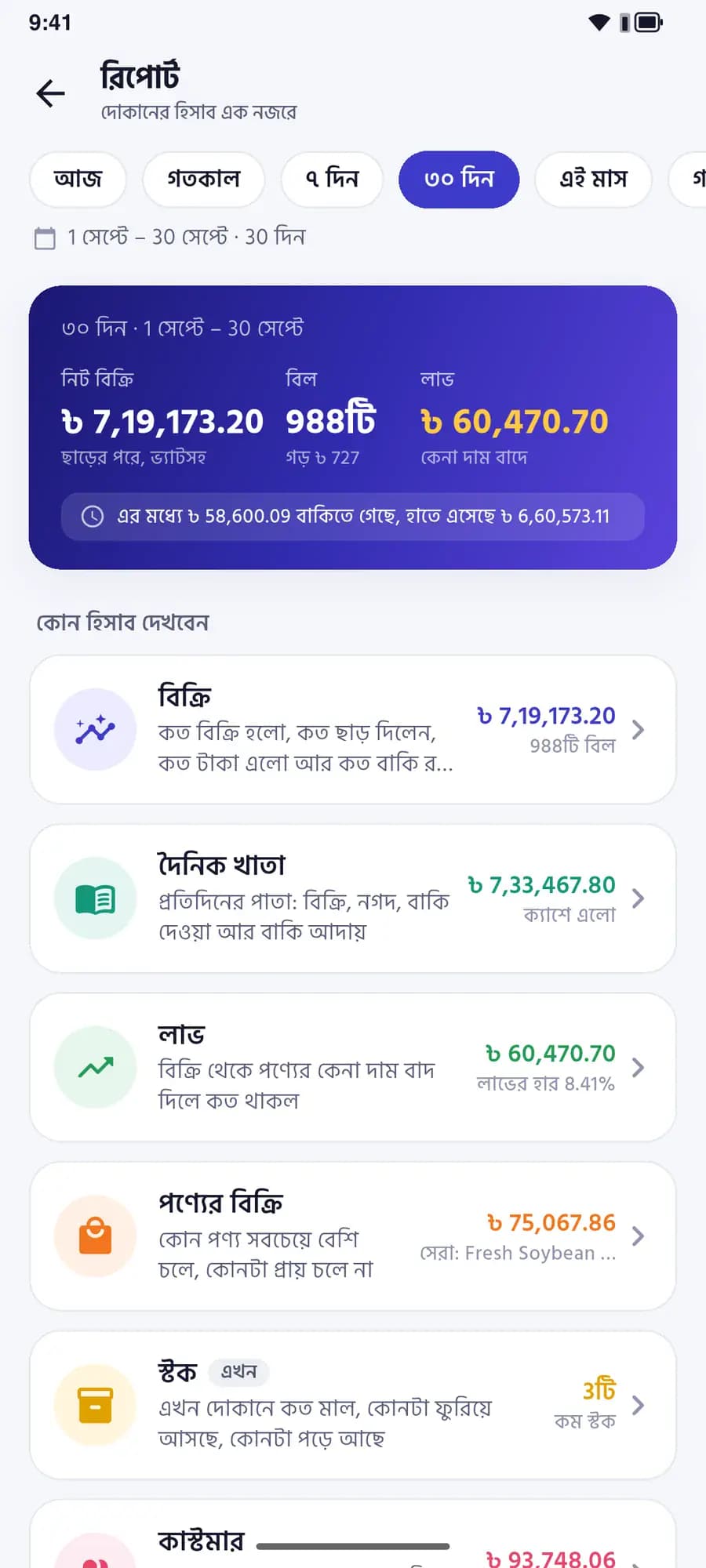
Reports

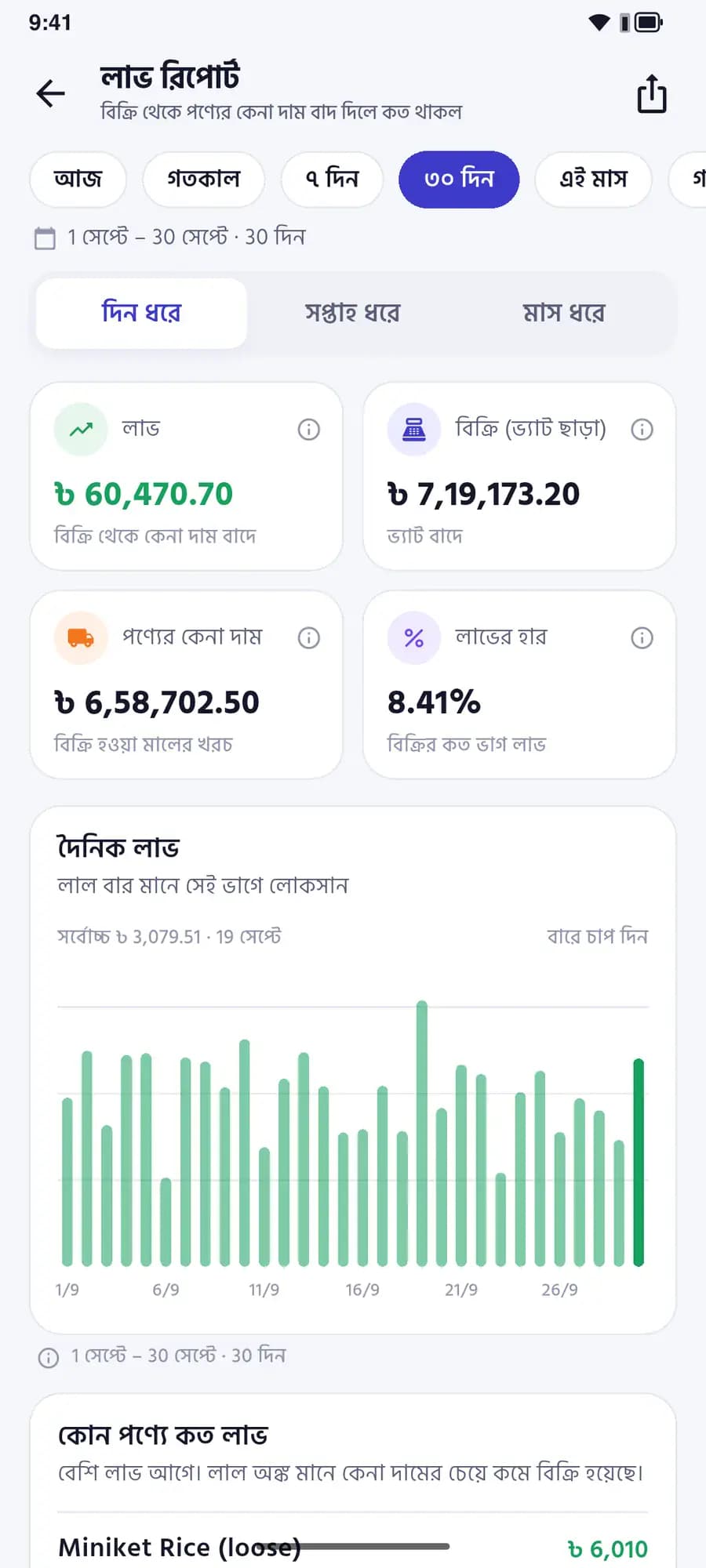
Know your profit every day, not at month end

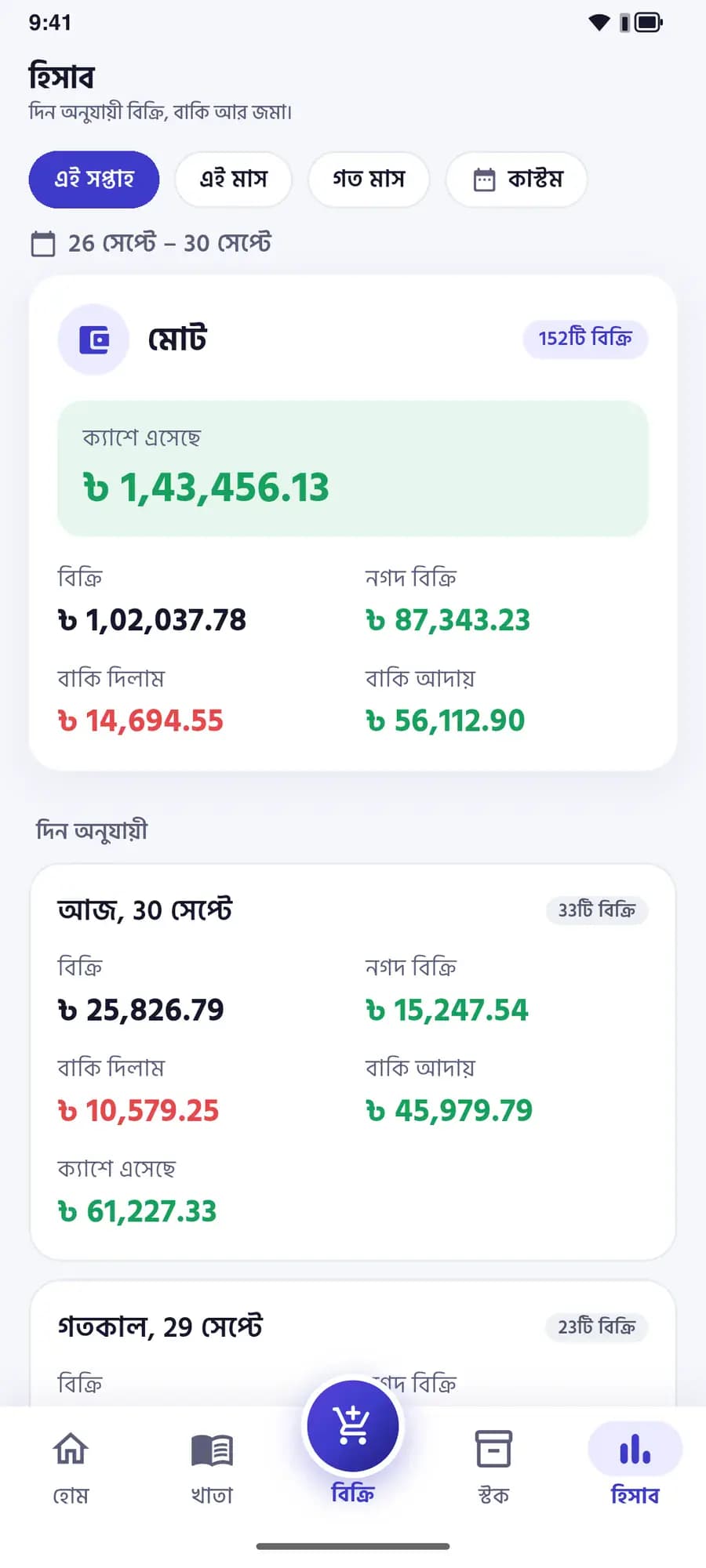
What sold, what came in, what went on credit and which products earn the most - by day, week or month.

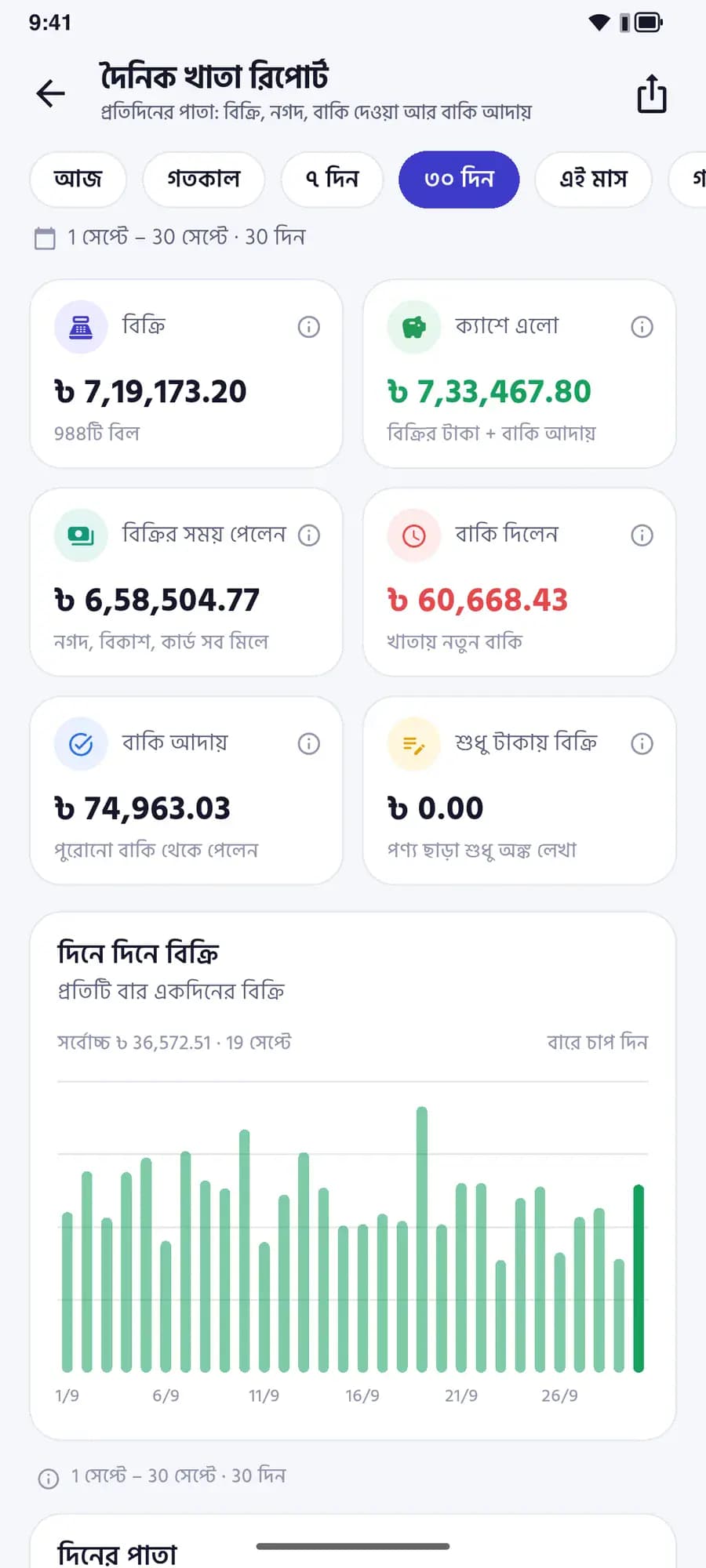
  • Daily khata: each day’s sales and collections
  • Profit & loss against purchase cost
  • Sales by staff member
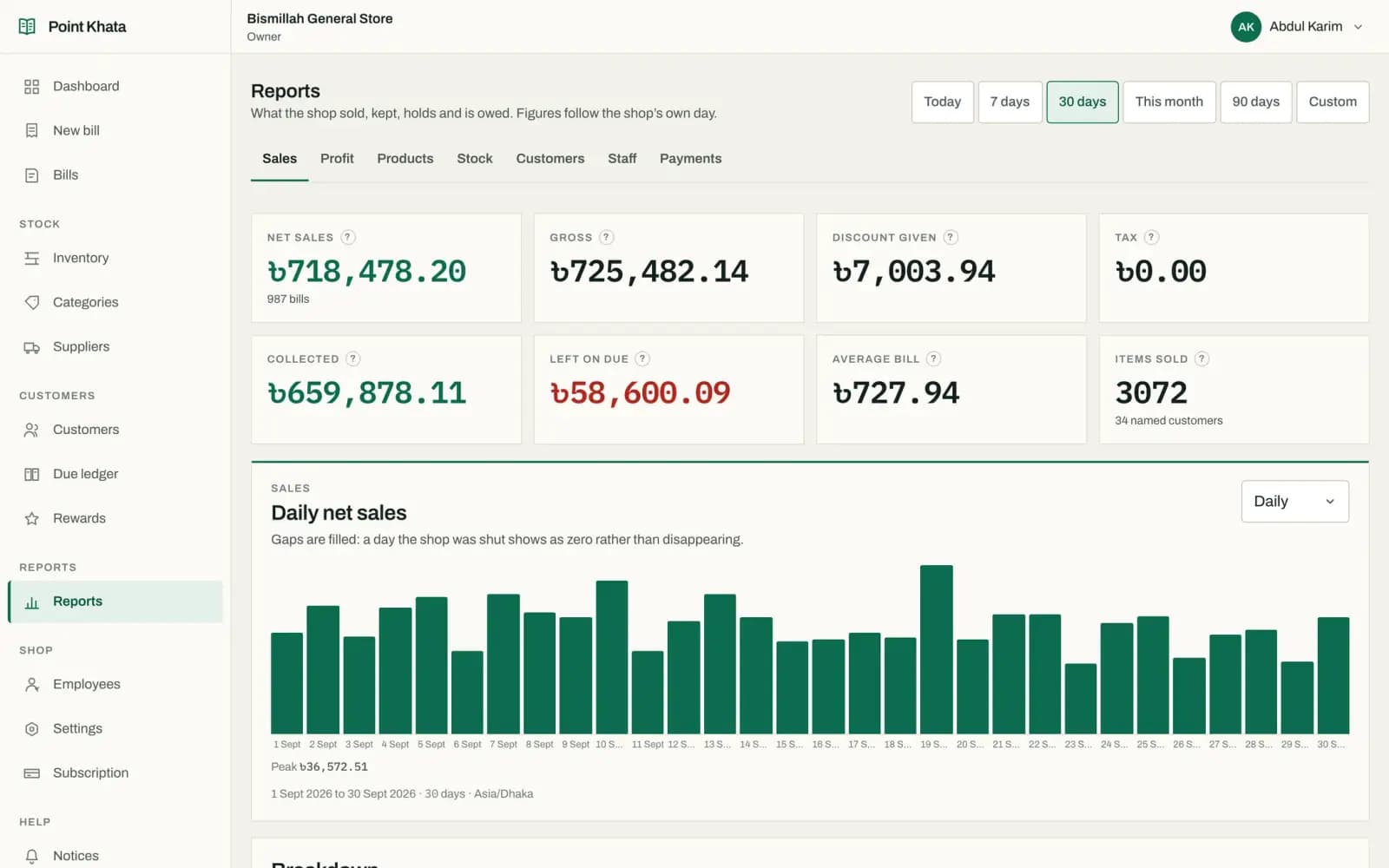
Daily khata: a chart of each day’s sales

Every kind of shop

Whatever you sell

Pick your shop type and a starter product list for it is already there - nothing to type in from scratch.

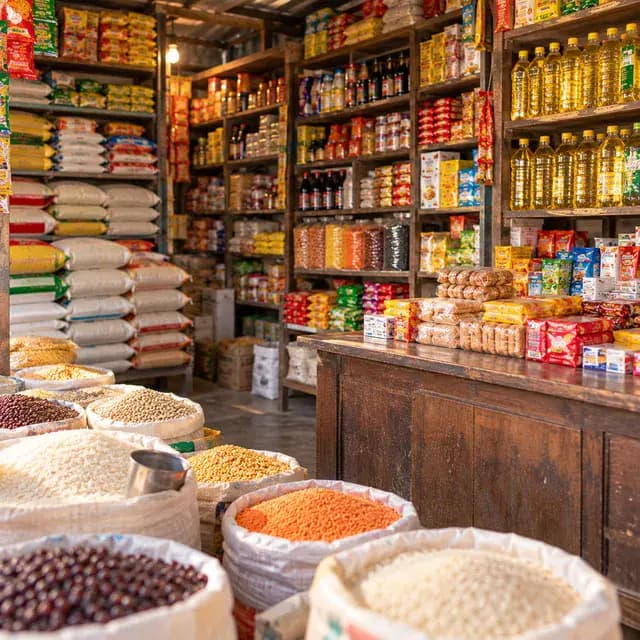
  • Grocery
  • Pharmacy
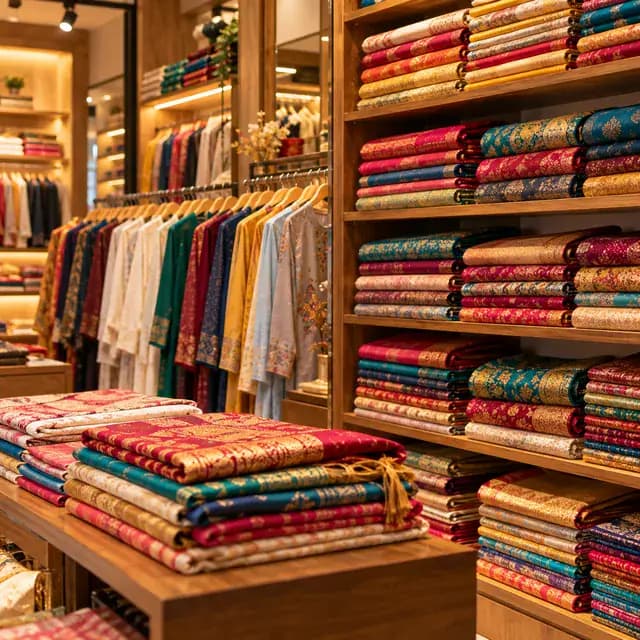
  • Clothing
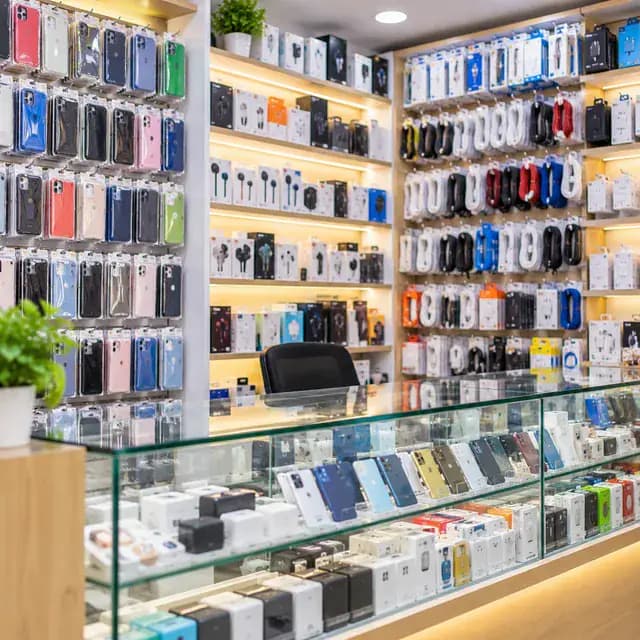
  • Electronics
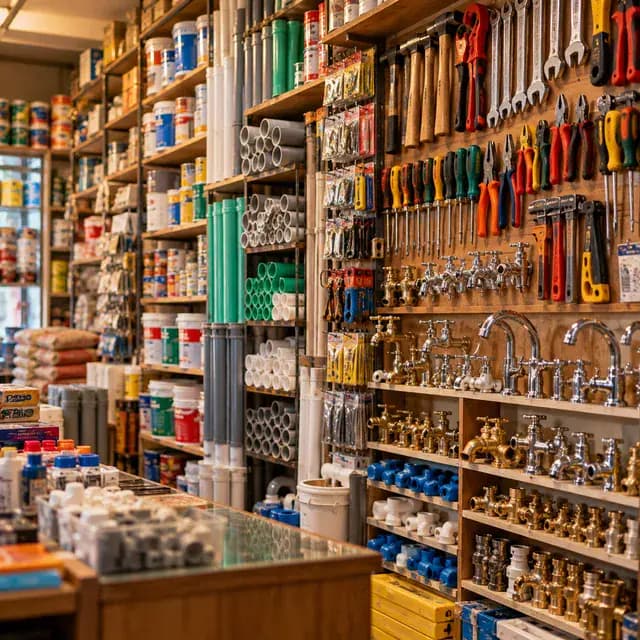
  • Hardware
  • Cosmetics
  • Restaurant & tea
  • Stationery

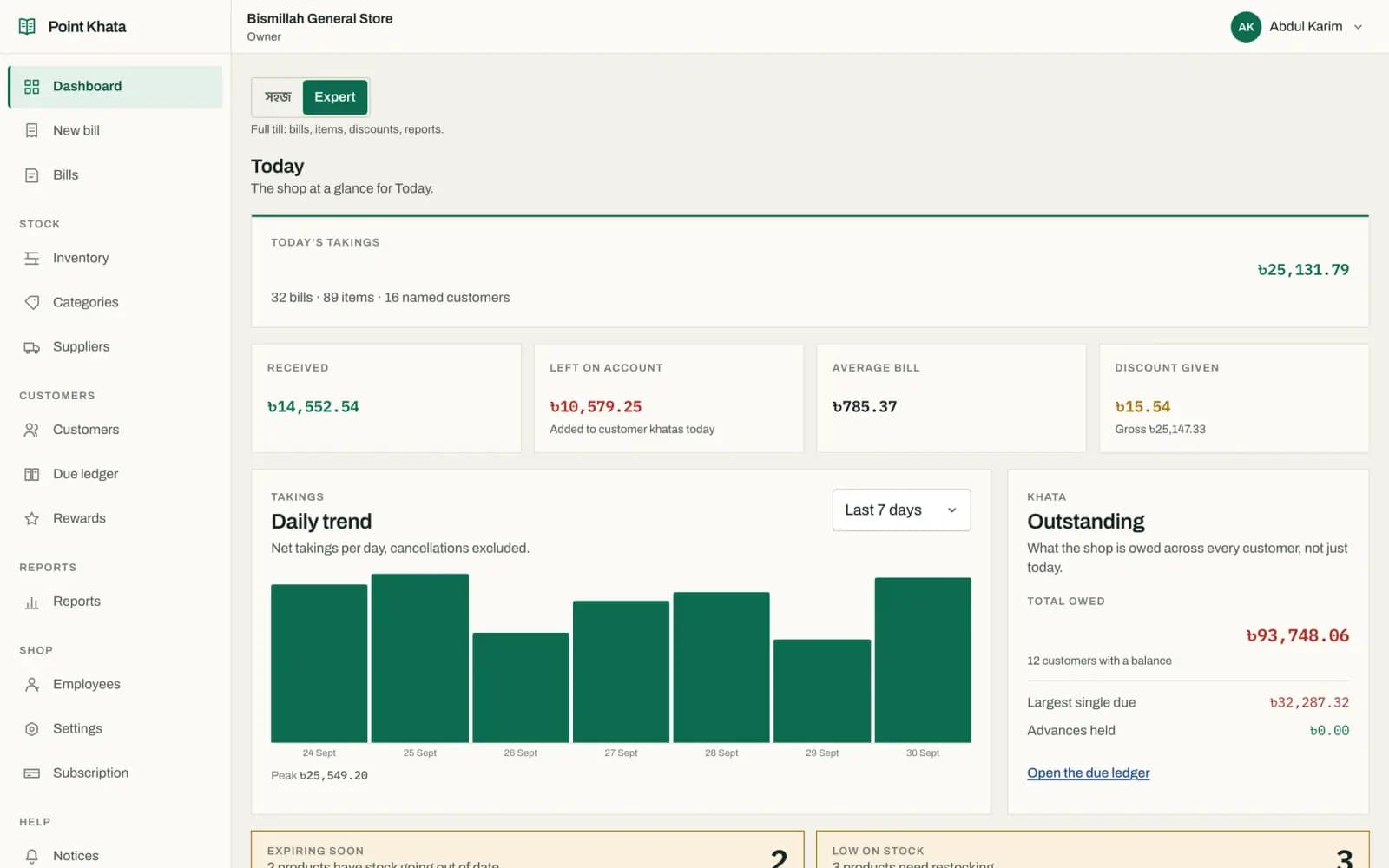
Web dashboard

Your whole business on a big screen

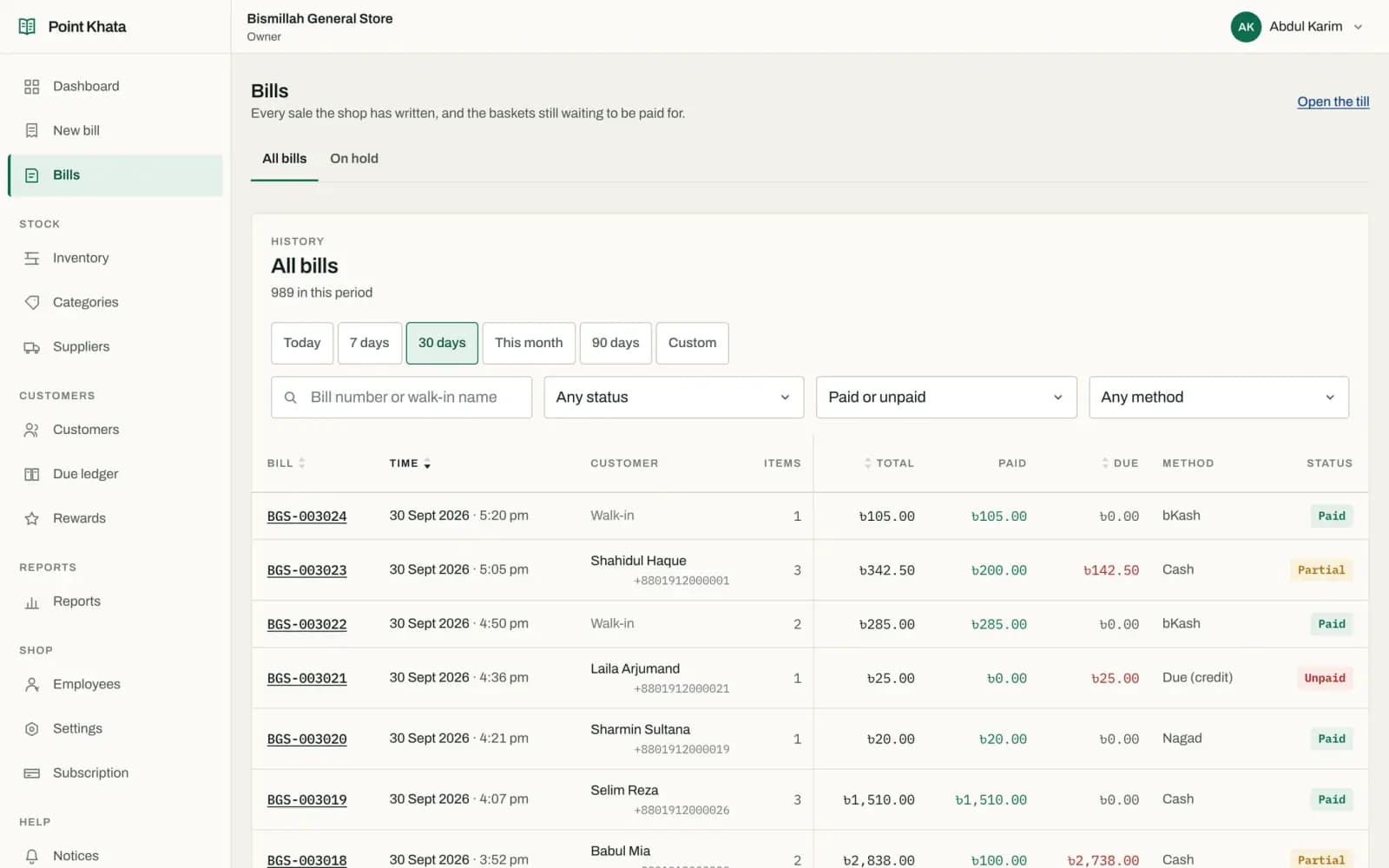
Bill on the counter PC, review the books on a laptop at home. The phone and the web show the same accounts, at the same moment.

app.pointkhata.com/dashboard
Web dashboard: today’s takings, dues, a 7-day chart and low stock
A confident woman business owner reviewing the accounts on a laptop in the back office of her clothing shop
  • Staff & permissions

    Cashiers ring up sales without ever seeing your cost price or margin - you decide.

  • Several shops

    One login, several shops, each with its own stock and books.

  • Your data stays yours

    Every shop’s records are kept apart on the server; no one else can see them.

Log in on the web

Why Point Khata

  • Works offlineSell through an outage
  • Bangla & EnglishWhichever suits you
  • Phone + webOne set of books, two screens
  • Role-based accessStaff see only what they need

Getting started

From a paper notebook to your phone, today

  1. Open your shop

    Enter your name and your shop’s, and pick its type. A starter product list for that type is already there.

  2. Ring up the first sale

    Tap or scan, take the money or put it on credit. Stock and bill numbers take care of themselves.

  3. See where you stand

    Who owes what, what is running low, what you made today - without adding anything up.

Pricing

Start free. Go Premium when you need it.

Every plan includes billing, stock and the due ledger, with no limit on products, customers, staff or bills.

Start now

Move your shop’s accounts to your phone today

Install the app, name your shop, ring up your first bill. The Free plan never expires.

Or register on the web
A cheerful young shopkeeper giving a thumbs up with his phone
Sale complete: bill BGS-003025, ৳695 total, ৳305 change

Questions

Worth asking before you move your khata

Is the Free plan really free?

Yes. No card, no expiry, and no cap on products, customers, staff or bills. Every new shop starts on it.

What happens without internet?

Once signed in, the app records sales, dues and purchases offline. It syncs by itself when the connection returns, and the same bill is never recorded twice.

Are the app and the web separate accounts?

No. Both show the same shop’s books. A bill made on the phone appears on the computer’s dashboard too.

How do I pay for Premium?

By bKash. Send the amount to the number on your subscription screen and submit the transaction id. An administrator confirms it and your plan activates.

What happens to my data if I stop paying?

Nothing is deleted. Your shop, products, customers and bills stay exactly as they are and you return to the Free plan.

Can my staff see what I paid for stock?

Only if you let them. Seeing cost price is its own permission, so a cashier can bill all day without seeing your margin.

Can I run more than one shop?

Yes. One login, several shops, each with its own stock, staff, customers and books.